The publish → review → iterate loop
This is the core of how Artor works: publish a prototype, share it with your team, collect pinned feedback, and publish the next version, without anyone losing track of what changed between rounds.
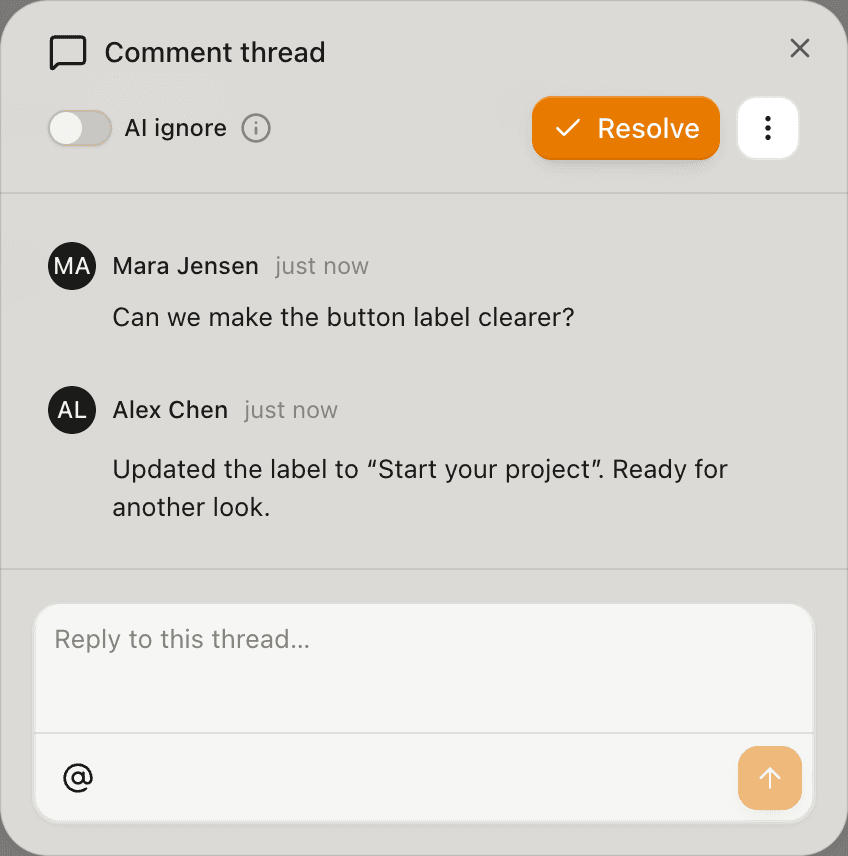
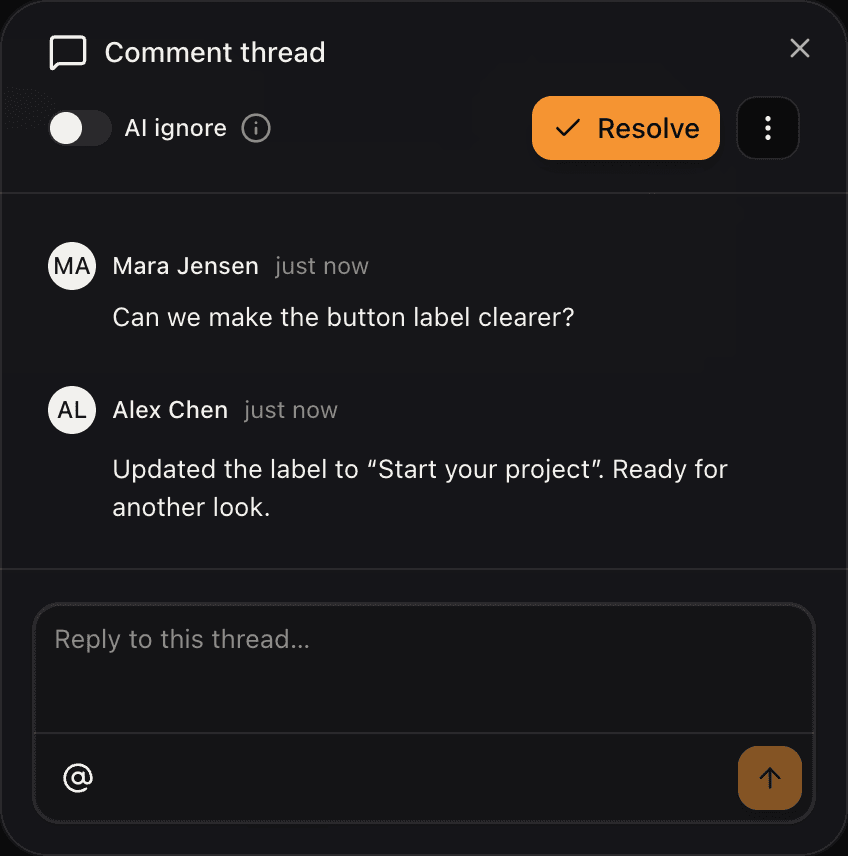
Read and reply to a version’s feedback in the Comment thread panel before publishing the next round.
The roles
Two people (or the same person) do different things:
- The publisher (often a designer working with a coding agent) runs
artor publishfrom the terminal whenever the prototype is ready to share. - The reviewer (a designer, PM, or stakeholder) opens the link in a browser and leaves comments directly on the running prototype as the work progresses.
Round 1: publish and share
Publish the prototype
After installing the CLI and linking the project, the publisher runs:
artor publishThis builds the prototype, uploads it, and prints a live URL. The first publish is version
1; each plain artor publish adds the next numbered version.
Share the link
Copy the URL from the terminal (or run artor open) and paste it into Slack, Notion,
wherever the team lives. Teammates with access to its Space can open it.
Which link to share? For a “here’s what I’m working on right now” share, the latest
link is fine; it shows the newest version (the highest-numbered open one, see
What happens to latest). For “please review this specific
build,” share its version-number link. Plain artor publish keeps that earlier version;
reusing a named link in overwrite mode can replace it.
The dashboard’s version list shows both types of link for every version.
Reviewers leave feedback
Reviewers open the link and the prototype loads normally, with an Artor review widget layered on top. They click the element they want to comment on, type their feedback, and send. Each comment is anchored to that element and that version, and teammates with access can see it.
See Reviewing a prototype for the full reviewer walkthrough.
Round 2: act on feedback and publish again
Read the feedback
Open the version’s Comments list in the dashboard to read, reply to, and resolve feedback,
or reopen the preview to see comments in place. Your coding agent can read the same feedback
with artor comments and help you make the changes.
Make the changes
The publisher updates the prototype code and publishes again:
artor publishThis creates version 2. Version 1, and all the comments on it, are untouched. Anyone who still has the version 1 link open sees the same thing they always did.
Keep reviewers in the loop
Share the new link. Reviewers can open the old and new version links in separate tabs to compare them.
Comments are per-version. A thread left on v1 about a layout issue doesn’t automatically move to v2; it stays on v1 as a record of what was there. New feedback goes on the new version.
Comments stay with the version
Comments are a durable record of what was raised on a build — they stay attached to the version they were left on. As issues get fixed, the publisher ships the next version and review continues there, so each version keeps an accurate record of the feedback it drew.
Naming versions for clearer handoffs
For longer projects, named aliases help communicate intent:
artor publish --alias for-review  # publish a build for review
artor publish --alias approved    # publish an approved build
Before reusing a named link, check overwrite mode: it can
replace the earlier version. Use plain artor publish when you want to keep each round.
Share …/demo/for-review with reviewers. When the design changes, publish again and the
link shows the latest build published to that name. Only publish to approved when you
intend to replace the approved baseline.
Parallel tracks
The same project can have multiple named aliases active at once:
artor push -v option-a   # one direction
artor push -v option-b   # an alternative
Share both links to review the two directions. Publishing to an existing name can replace its previous content; see named links and overwrite mode.
What to do next
- Reviewing a prototype: the full reviewer guide
- Deployments & versions: how version links and aliases work
- Comments: how element-anchored comments work
- Remix, rename & delete: fork a prototype to explore a direction independently